
Sinvexario - Free Financial Apps You Can Trust
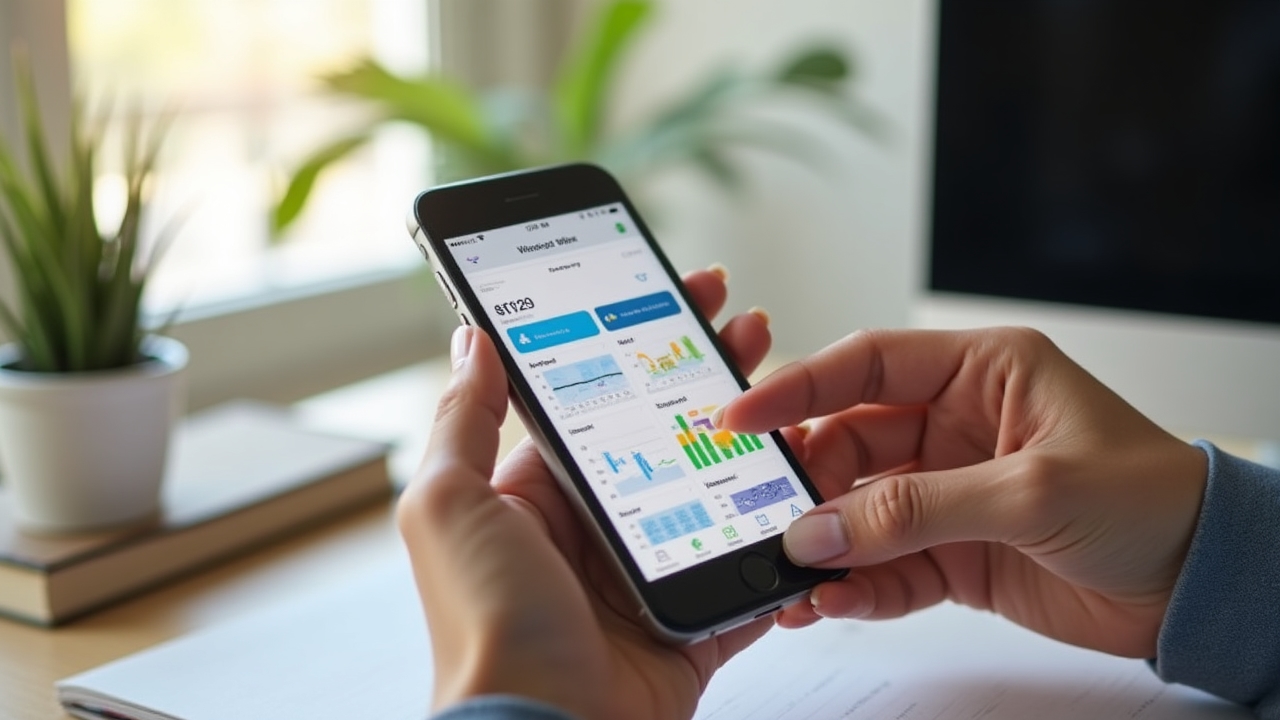
Your reliable guide to free financial tools. Discover verified apps for expense tracking, budgets, and payment reminders, without hidden costs or forced subscriptions.
What This Resource Is
In a world where personal finances are becoming increasingly digital, finding reliable and free tools can be a challenge. Sinvexario was born from the need to create a transparent space where Mexican users can discover genuinely free financial applications.
Our commitment is simple: honest analysis, without commercial affiliations, without subscription sales. Each review is designed to empower you with real information about advantages, disadvantages, and privacy considerations.
100% Transparent
No commercial affiliations or hidden commissions
Local Focus
Specialized in the Mexican market and its needs
Privacy First
Detailed analysis of privacy policies for each app
How to Use Our Reviews
Identify Your Need
Looking to track expenses, create budgets, or payment reminders? Browse through our specialized categories.
Read Complete Reviews
Each application includes usage guide, advantages, disadvantages, and detailed privacy analysis.
Make Informed Decisions
Compare options based on objective information, not commercial marketing.
App Categories
Expense tracking apps allow you to record and categorize every peso you spend. These tools transform scattered receipts into organized data, revealing consumption patterns that often go unnoticed.
Key Features
- Automatic recording through bank connection
- Intelligent transaction categorization
- Receipt photography and digitization
- Visual reports and trend charts
Privacy Considerations
When connecting bank accounts, these apps access sensitive financial information. It's crucial to verify data encryption, retention policies, and server locations.
Budget tools go beyond simple recording: they help you plan your financial future. They establish intelligent limits and alert you when you approach them.
Popular Methodologies
- 50/30/20 budget (needs/wants/savings)
- Zero-based budget (every peso has a purpose)
- Digital envelope method
- Goal-based budgeting
Alerts and Notifications
The best apps send proactive reminders when you approach budget limits, but without being intrusive in your daily life.
Never forget an important payment again. These applications become your personal financial assistant, reminding you of critical dates and helping you maintain an impeccable credit history.
Types of Reminders
- Recurring payments (services, insurance, mortgage)
- Credit card due dates
- Subscription renewals
- Annual payments (vehicle tax, property tax)
Calendar Integration
The best options sync with your personal calendar, creating a complete ecosystem for time and money management.
App Reviews
Wallet - Personal Expense Control
Platform: iOS, Android
Last updated: January 2026
Description
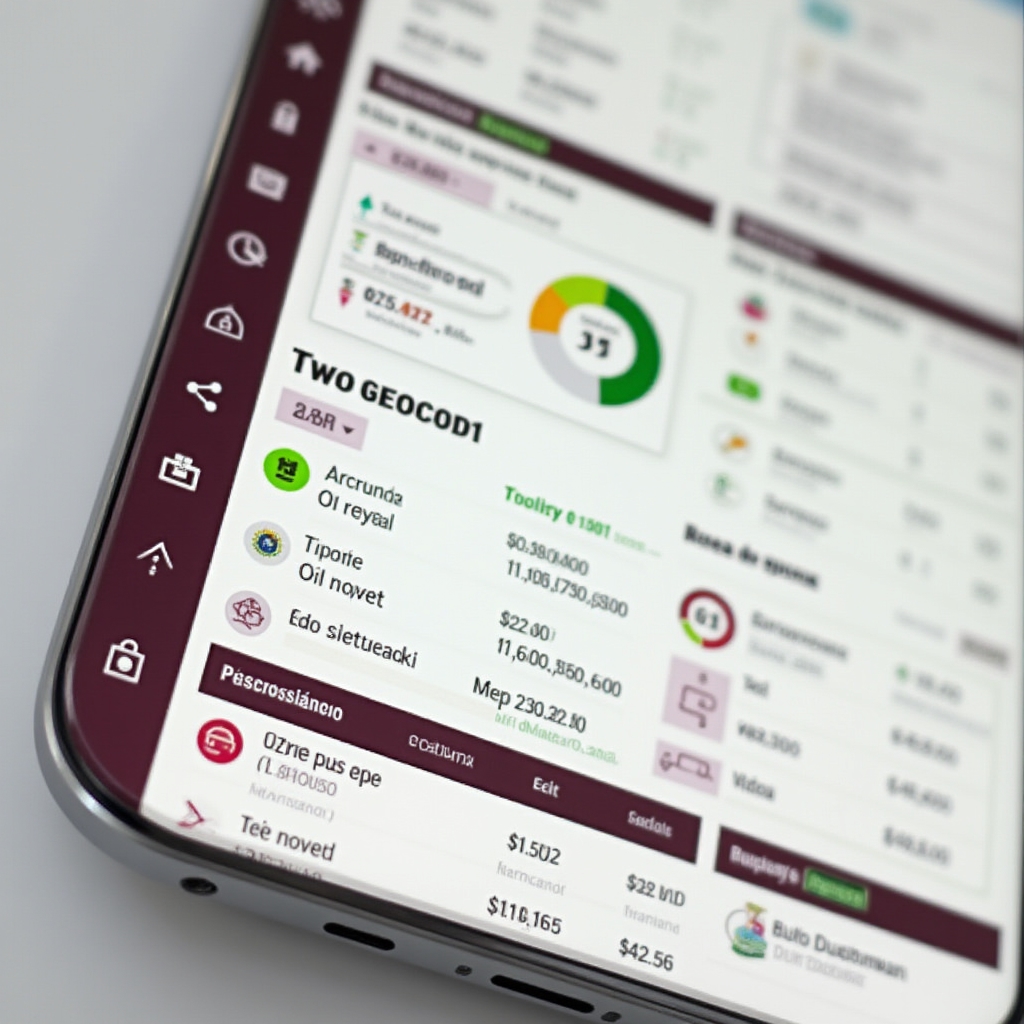
Wallet transforms personal financial management into a visual and intuitive experience. This application stands out for its clean interface and its ability to securely sync multiple Mexican bank accounts.
How to Use
- Download and install the app from your official store
- Create an account using your email (doesn't require banking details initially)
- Set up custom categories according to your spending habits
- Connect your bank accounts through the Open Banking system
- Review and adjust automatic categorizations during the first week
- Set spending alerts per category
- Check weekly and monthly reports to identify patterns
Advantages
- Intuitive interface with minimalist design
- Automatic sync with major Mexican banks
- Smart categorization that learns from your habits
- Detailed and exportable visual reports
- Works completely offline for queries
- No ads or financial product promotions
Disadvantages
- Bank sync may take 24-48 hours initially
- Some smaller financial institutions are not supported
- Automatic categorization requires manual supervision at first
- Doesn't include advanced budget functions
- Historical reports are limited to 2 years in free version
Privacy Considerations
Wallet uses standard banking encryption (256-bit SSL) and doesn't store banking credentials on their servers. Data is processed on servers located in Mexico, complying with the Federal Law on Protection of Personal Data. The app allows exporting and deleting all personal data upon request.
PocketGuard - Smart Budgets
Platform: iOS, Android, Web
Last updated: January 2026
Description
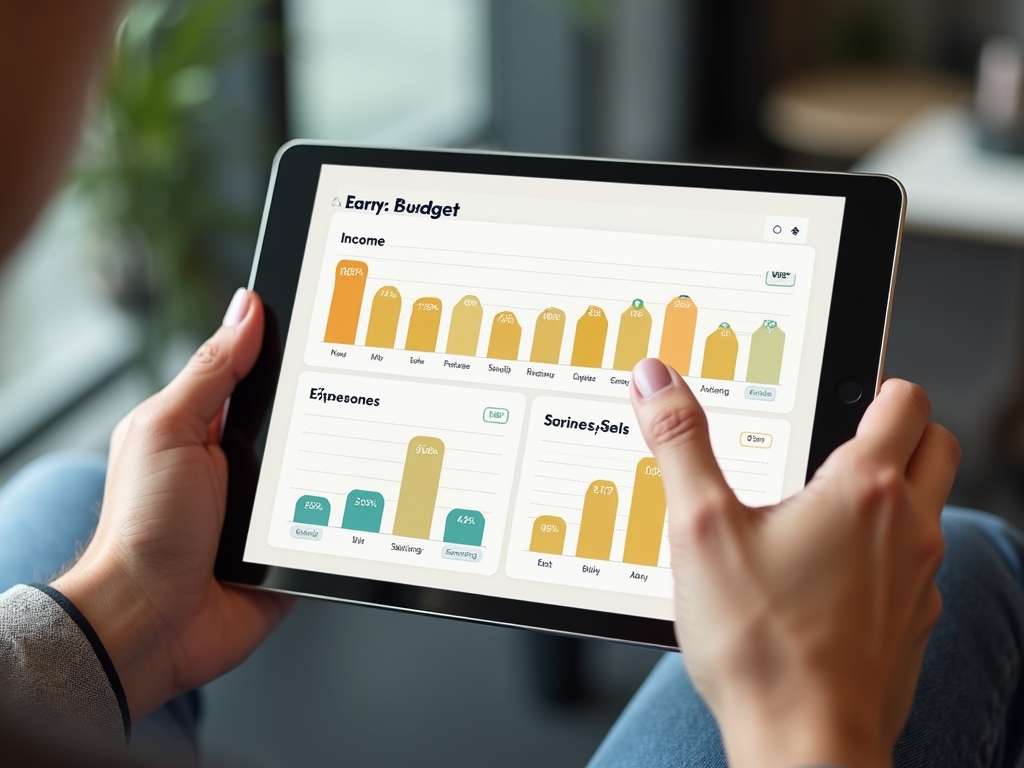
PocketGuard revolutionizes budget creation through algorithms that analyze historical spending patterns. Its strength lies in predicting future expenses and suggesting realistic budget adjustments.
How to Use
- Register your basic financial profile (monthly income)
- Define your fixed expenses (rent, utilities, insurance)
- Set monthly savings goals
- Allow the app to analyze 3 months of history to create base budget
- Review and adjust suggested categories
- Enable spending limit notifications
- Check "available money" daily before major purchases
Advantages
- Predictive algorithm for future expenses
- Real-time calculation of "truly available money"
- Integration with long-term savings goals
- Smart alerts that adapt to your behavior
- Multi-currency support (including Mexican peso)
- Cross-device synchronization at no cost
Disadvantages
- Requires at least 3 months of data to function optimally
- Predictions may be inaccurate during habit changes
- Doesn't handle seasonal or irregular expenses well
- Interface may be overwhelming for beginner users
- Advanced features require subscription after 6 months
Privacy Considerations
PocketGuard processes financial data anonymously to improve predictive algorithms. Personal data is stored on SOC 2 certified servers located in the United States. The policy allows sharing aggregated (non-personal) data with business partners for market research.
BillReminder - Payment Reminders
Platform: iOS, Android
Last updated: January 2026
Description
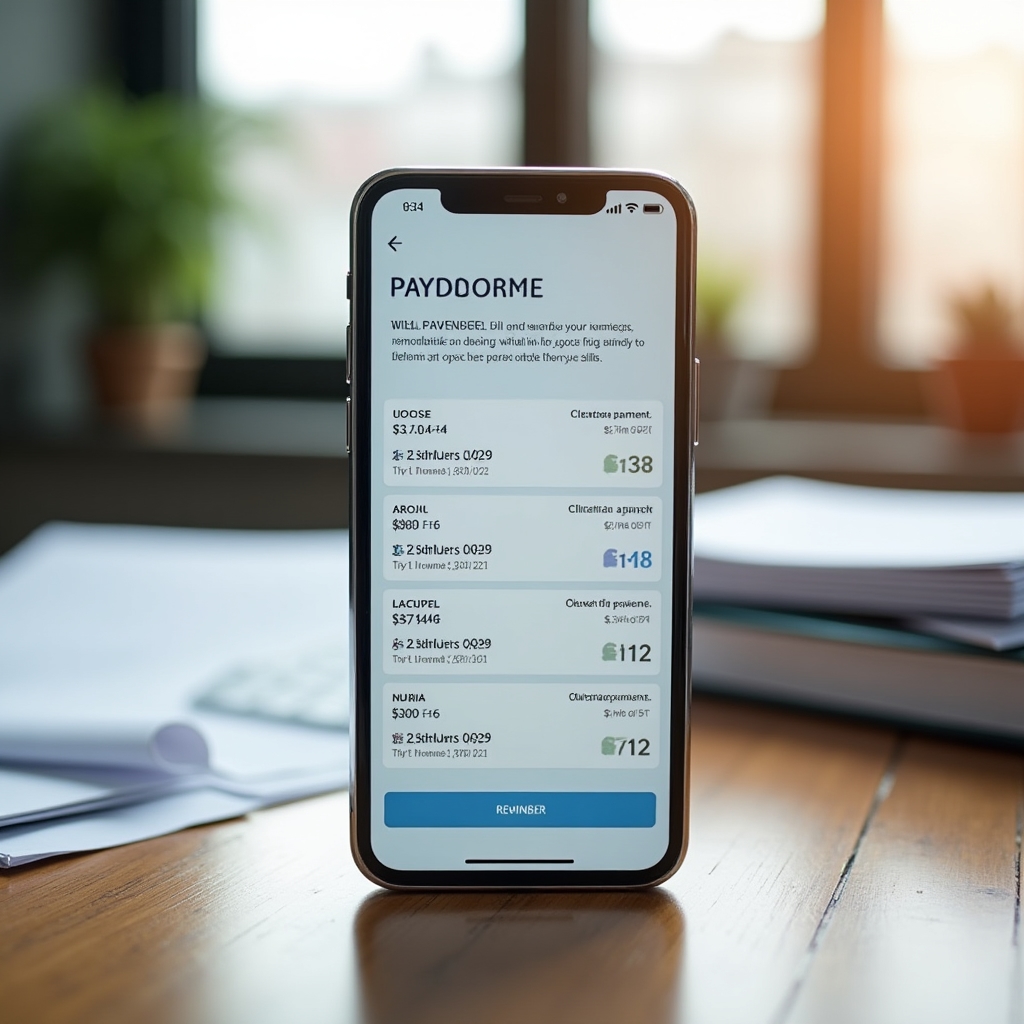
BillReminder specializes exclusively in payment reminders, becoming the most reliable assistant for keeping all your financial obligations up to date. Its minimalist approach eliminates unnecessary distractions.
How to Use
- Install and open the app (doesn't require immediate registration)
- Add your first reminder with date and amount
- Configure frequency (one-time, monthly, annual)
- Set multiple alerts (7 days, 3 days, 1 day before)
- Customize tone and notification style
- Mark payments as completed to maintain history
- Export reminders to your main calendar if desired
Advantages
- Extremely simple and fast interface
- Works completely offline
- Highly customizable notifications
- Payment history for future reference
- Export to external calendars
- No unnecessary personal data collection
- Battery efficient with local notifications
Disadvantages
- Doesn't include financial analysis features
- No automatic sync between devices
- Doesn't connect to bank accounts
- Very basic design may seem outdated
- No automatic cloud backup
- Limited categorization features
Privacy Considerations
BillReminder stores all data locally on the device. It doesn't require internet connection to function, meaning zero transmission of personal data. The app doesn't include usage analytics or advertising, ensuring total privacy.
Practical Guides & Tips
Security should be your first priority when setting up any financial application. This guide takes you step by step through security best practices.
Before Downloading
- Verify the app is available in official stores (Google Play, App Store)
- Read recent reviews and check the last update date
- Research the developer company and its security history
- Review the permissions requested by the application
During Initial Setup
- Use a unique and complex password for the application
- Enable two-factor authentication if available
- Set up a PIN or biometry for quick but secure access
- Review and adjust privacy settings before connecting accounts
Ongoing Best Practices
- Update the app regularly to get security patches
- Periodically review which accounts are connected
- Monitor suspicious access notifications
- Disconnect apps you no longer use actively
Privacy policies can be extensive and complex. Learn to quickly identify the most important points for your financial security.
Critical Sections to Review
- Data collection: What exact information they collect about you
- Data usage: How they use your personal and financial information
- Third-party sharing: Who they can share your data with
- Server location: Where your information is stored
- Data retention: How long they keep your information
Warning Signs
- Vague language about data use ("to improve services")
- Limited rights to delete or modify data
- Sharing data with "business partners" without specifying who
- Policies that change frequently without clear notification
Your Rights in Mexico
Under the Federal Law on Protection of Personal Data, you have the right to:
- Access your personal data
- Rectify incorrect information
- Cancel data processing
- Object to the use of data for specific purposes
Free applications can offer exceptional value when used strategically. Learn to make the most of available features without falling into commercial traps.
Efficient Usage Strategies
- Use multiple complementary apps instead of one premium "all-in-one" app
- Take advantage of free trial periods to evaluate premium features
- Set up regular data exports to avoid dependency
- Combine free apps with native system tools (calendar, notes)
Avoiding Forced Updates
- Carefully read changes in terms of service
- Keep data backups before major updates
- Research alternatives before features become paid
- Consider real cost vs. benefit of premium updates
Performance Optimization
- Regularly clean unnecessary data to maintain speed
- Adjust sync frequency to save battery
- Disable non-essential notifications
- Use native widgets for quick access to key information
Frequently Asked Questions
Security doesn't depend on the app's price, but on development practices and implemented protection measures. Many free apps use the same level of banking encryption as premium applications.
What's crucial is to verify: security certifications, server locations, developer company history, and transparency in their privacy policies. Our reviews include detailed analysis of these aspects for each application.
There are several ethical monetization models for free financial apps:
- Freemium: Basic features free, advanced features paid
- Transparent affiliations: Commissions for financial product recommendations (clearly disclosed)
- Premium services: Personalized consulting or advanced analysis
- Enterprise licensing: They sell corporate versions to businesses
In our reviews, we always specify how each application is funded so you can evaluate potential conflicts of interest.
It's common for applications to evolve their business models. Here's your response strategy:
- Evaluate real value: Do the new features justify the cost?
- Export your data: Most allow downloading your financial history
- Look for alternatives: Check our reviews for similar options
- Negotiate: Some apps offer discounts for long-term users
Keeping regular backups of your financial data gives you freedom to change platforms without losing valuable information.
Yes, and it's often the most effective strategy. Each application has specific strengths:
- Expense app + Budget app: One records, another plans
- Main app + Reminder app: Complete analysis plus specialized alerts
- Apps by category: One for personal expenses, another for business expenses
Important considerations:
- Avoid connecting multiple apps to the same bank accounts simultaneously
- Establish a "main" app to avoid work duplication
- Verify that privacy policies are compatible with each other
Contact & Notifications
Have an app suggestion for review?
We love hearing from our community. If you know a free financial application that deserves to be analyzed, or if you have experiences to share about the apps we've reviewed, we're here to listen.